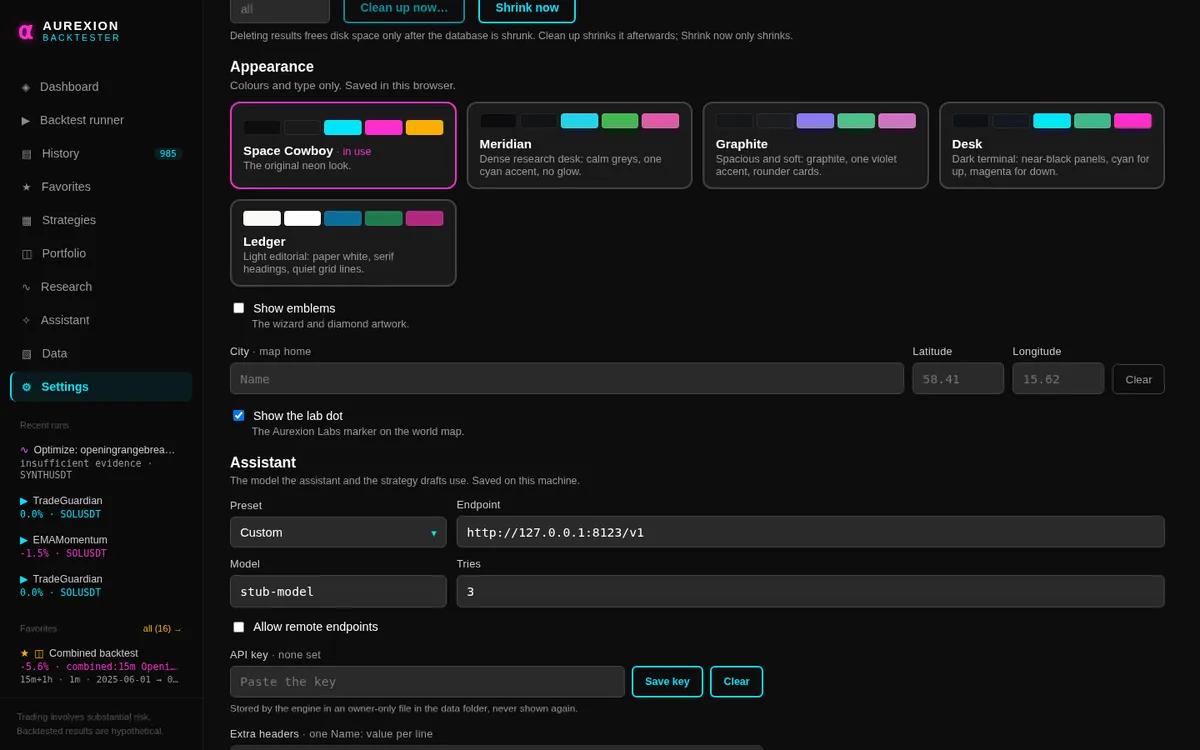
Visual themes
AurexionLabs comes with five visual themes. A theme changes colours, type and corners only. Every number, panel and control stays where it is.
Space Cowboy and Ledger
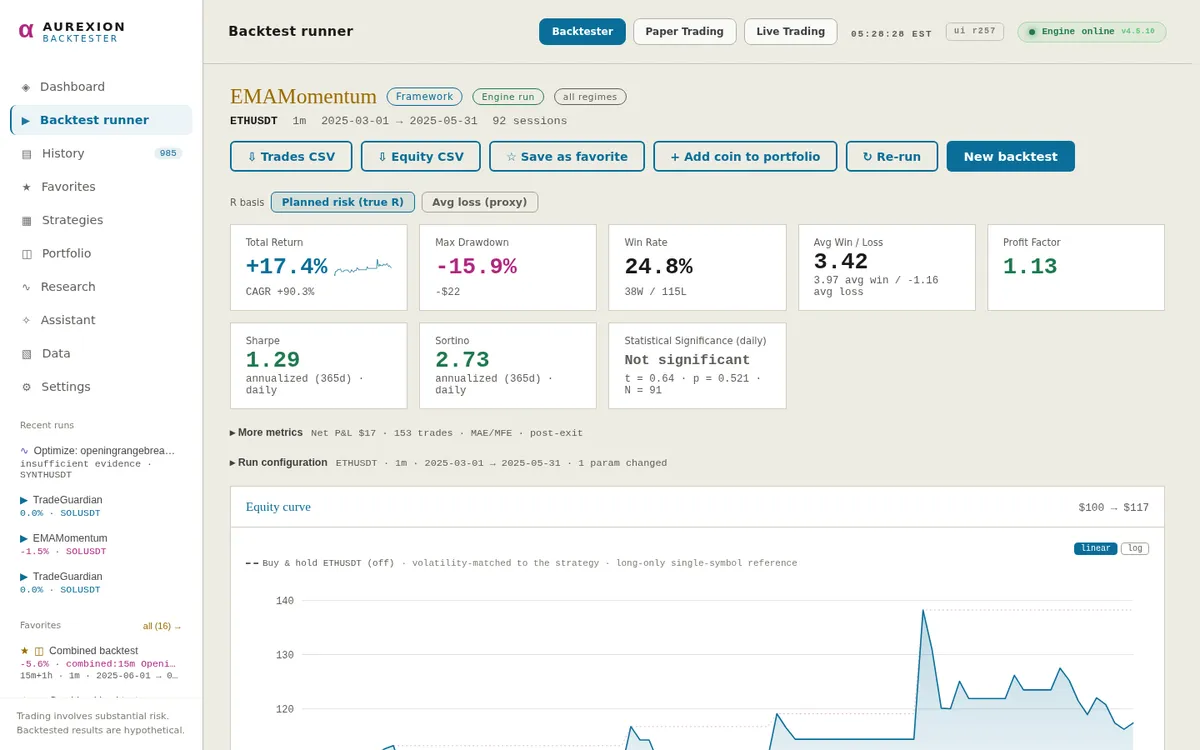
Space Cowboy is the default: a dark theme with the original neon look. Ledger is the only light theme: paper white with serif headings and quiet grid lines.
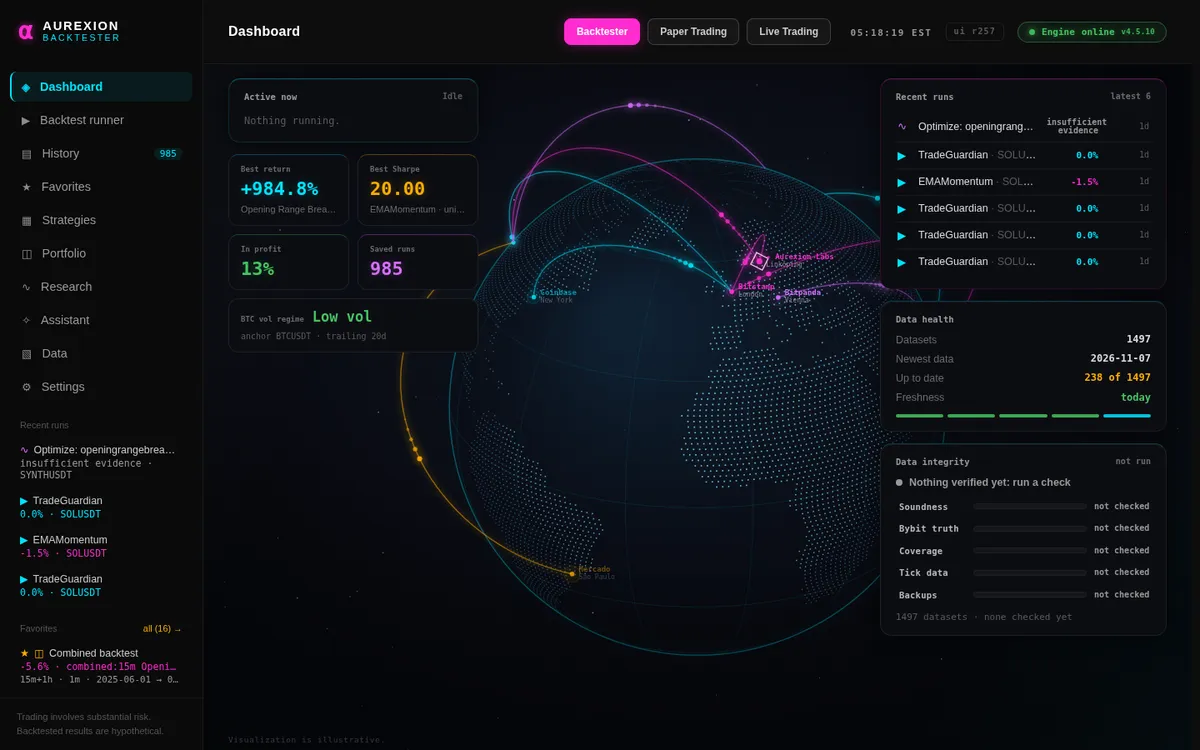
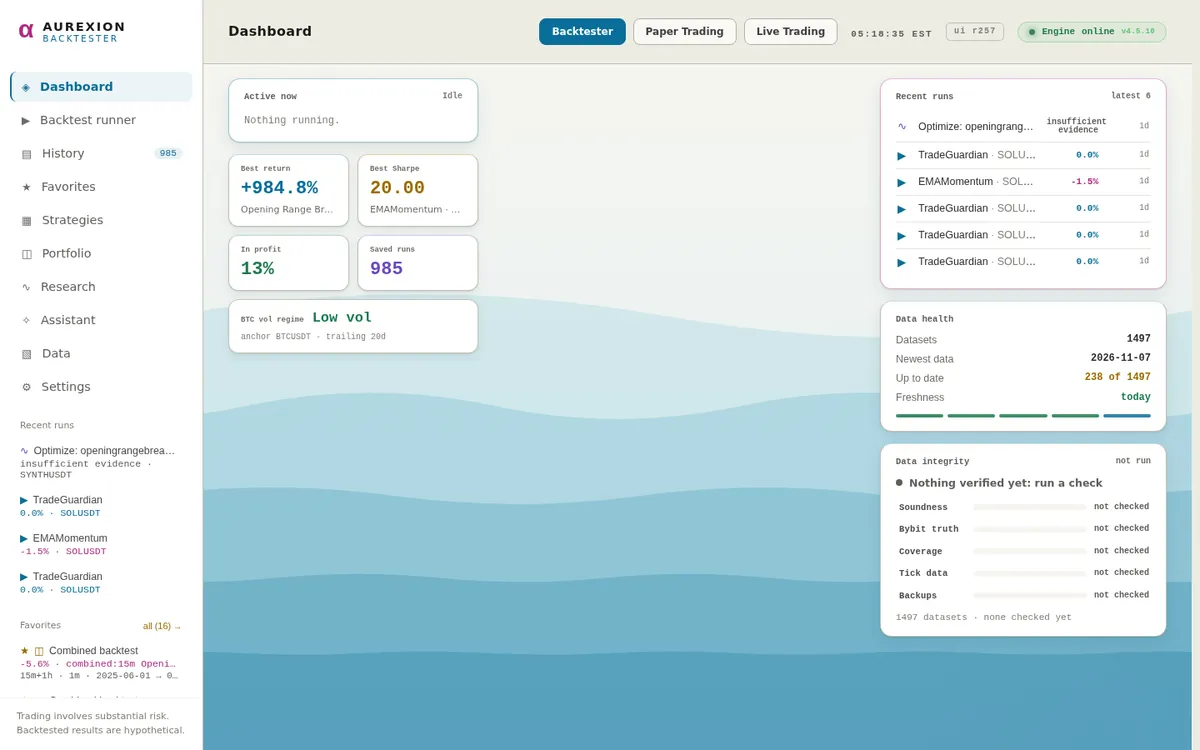
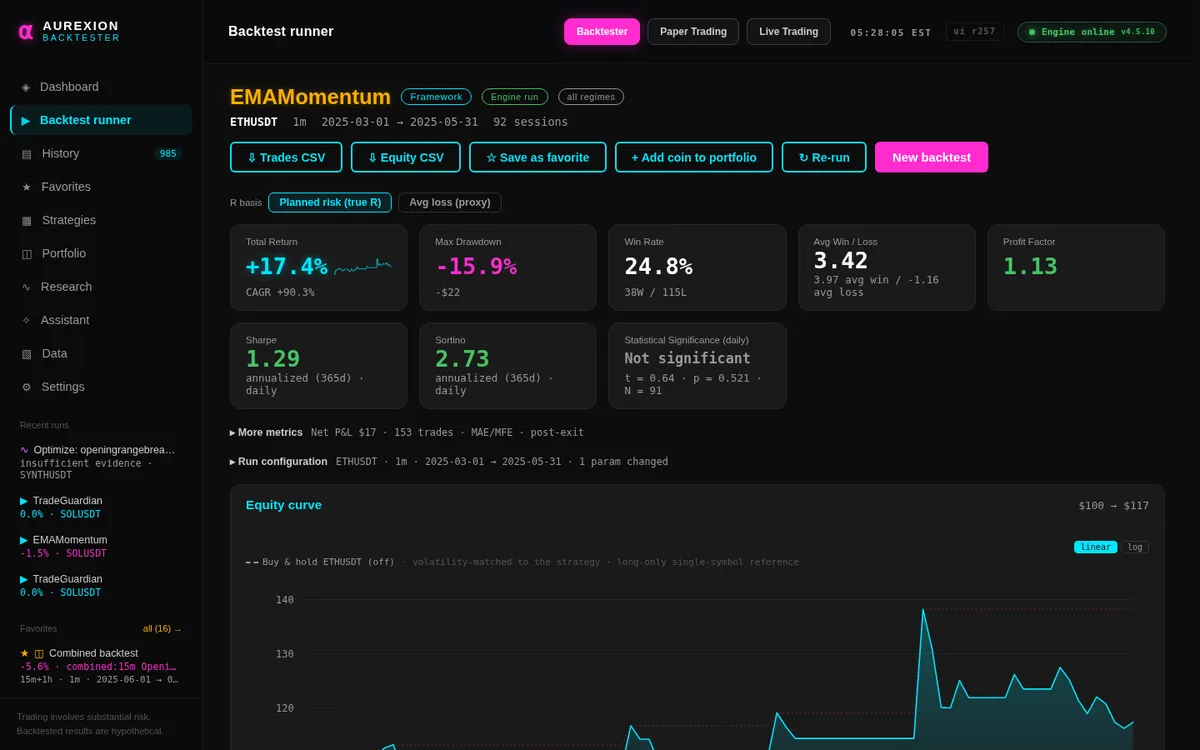
The other three
Meridian is a dense research desk with calm greys and one cyan accent, Graphite is spacious and soft with one violet accent and rounder cards, and Desk is a dark terminal with near-black panels, cyan for up and magenta for down.
Switching theme
Open Settings and find Appearance. It is on the Backtester, Paper and Live settings pages. The choice applies at once to the whole app and is remembered in this browser.